
How to Raise a Support Ticket
If a deposit has not arrived, a withdrawal is taking longer than expected, or anything else needs a human, open a ticket from inside your account — it comes through with your details already attached, so nothing needs chasing.
Two ways to use Cashaa — the same screens either way. Open the Android app from cashaa.com/app, or sign in with any browser at platform.cashaa.com. The steps below are identical on both. (The iPhone app is with Apple for review — until it lands, iPhone users can use the browser.)
- 1
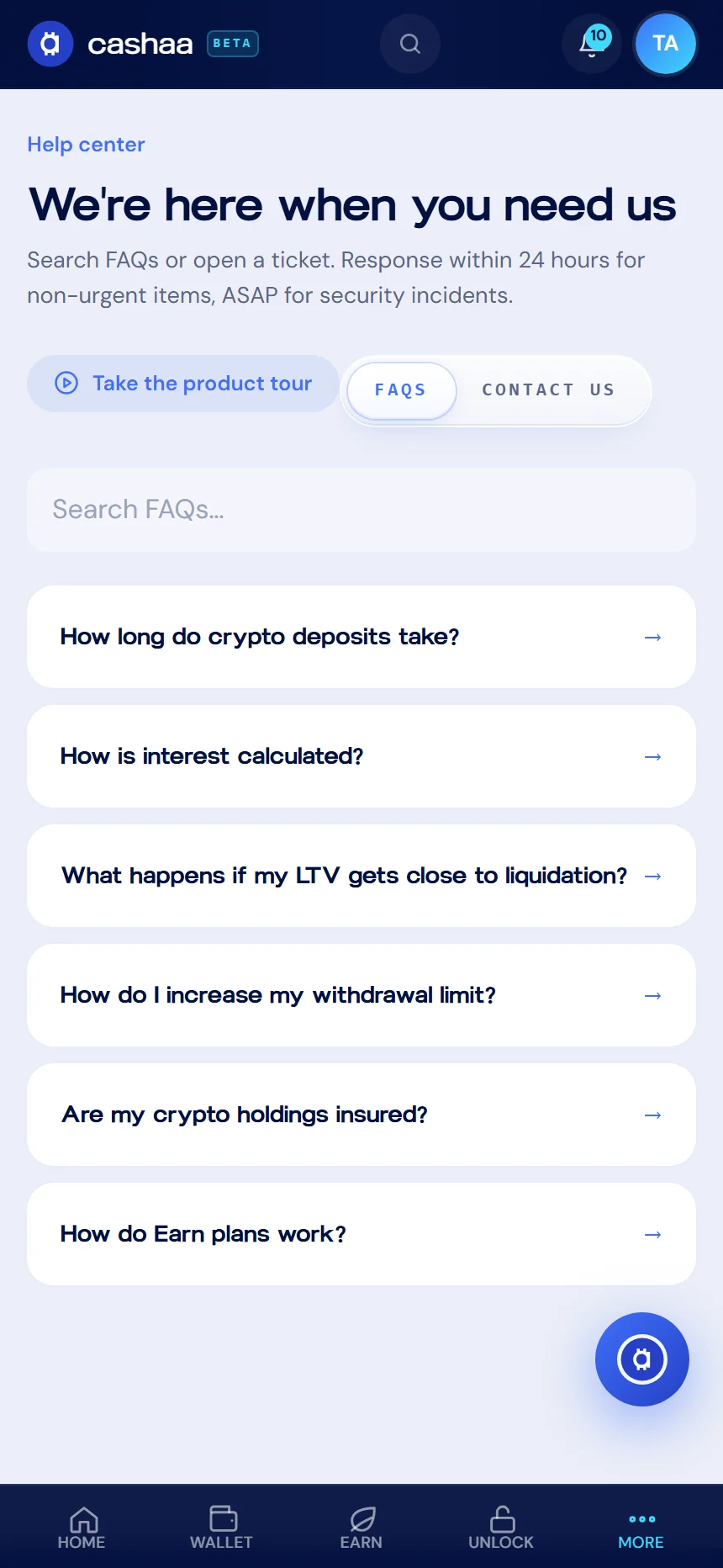
Step 1: Open the Help centre
Go to Settings → Help. Search the FAQs first — deposit timing, KYC and withdrawal limits are answered there.
- 2
Step 2: Start a ticket
If the FAQs do not cover it, choose Contact us.
- 3
Step 3: Describe the problem
Pick the category, write a clear subject, and describe what happened.
For a deposit or withdrawal, include the transaction hash, the asset, the network and the amount. With those four things we can usually trace it on the first reply.
- 4
Step 4: Submit and watch for the reply
You will get a confirmation, and our reply arrives by email. Non-urgent tickets are answered within 24 hours; security issues are picked up as soon as possible.
Was this helpful?
Quick feedback helps us improve.