
How to Withdraw Cryptocurrency from Cashaa
Sending crypto out of Cashaa. Every withdrawal is confirmed with a fresh one-time code emailed to you — and your authenticator code as well if you have two-factor authentication switched on — so being signed in is never enough on its own.
Two ways to use Cashaa — the same screens either way. Open the Android app from cashaa.com/app, or sign in with any browser at platform.cashaa.com. The steps below are identical on both. (The iPhone app is with Apple for review — until it lands, iPhone users can use the browser.)
- 1
Step 1: Open Send
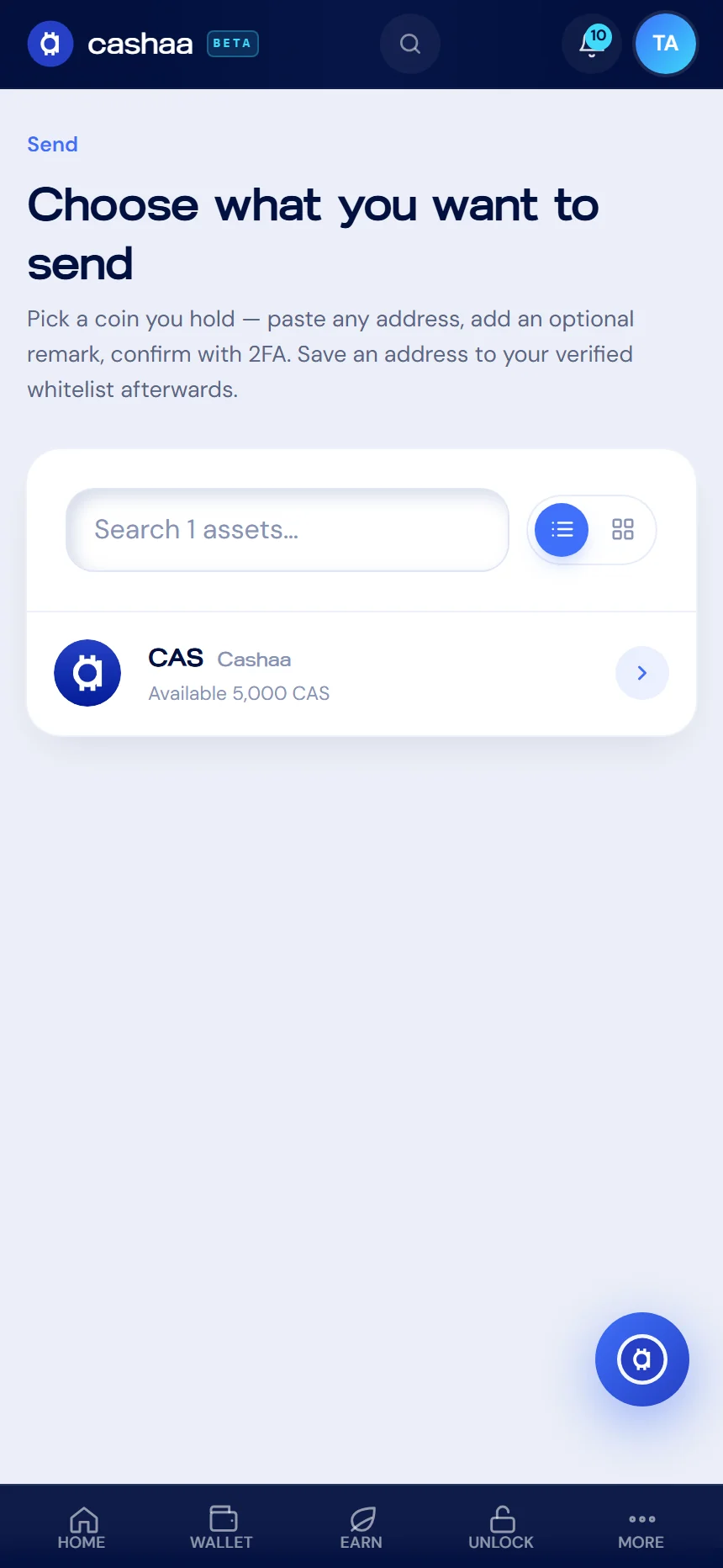
From the dashboard, choose Send, then pick the asset you want to send out.
- 2
Step 2: Enter the amount
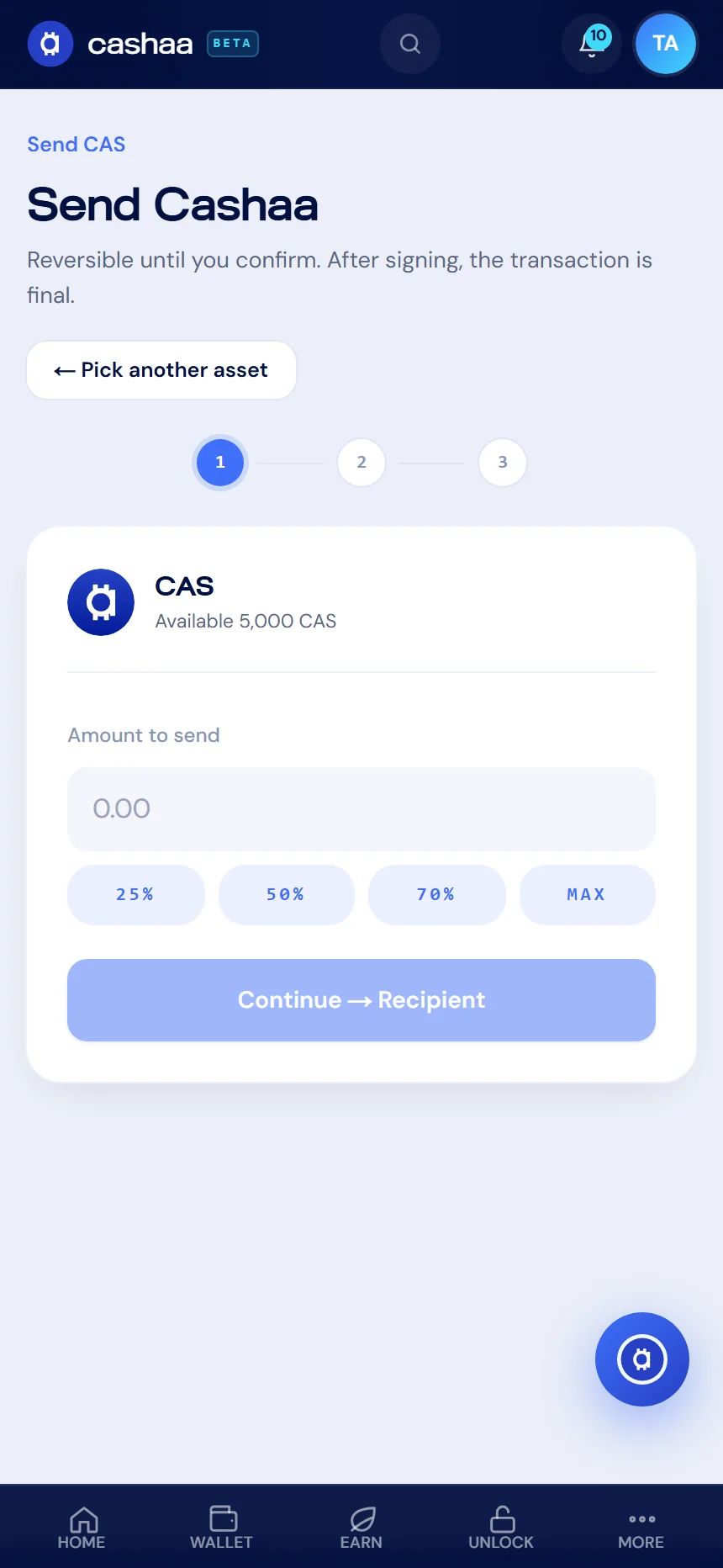
Type how much you want to send. Your available balance is shown above the field.
- 3
Step 3: Choose where it goes
Paste the destination address or pick one you have already saved, and select the network. Add a memo or tag if the destination needs one.
- 4
Step 4: Check the details
Review the address, network and amount carefully — a crypto transfer cannot be reversed once it is on-chain.
- 5
Step 5: Confirm it is you
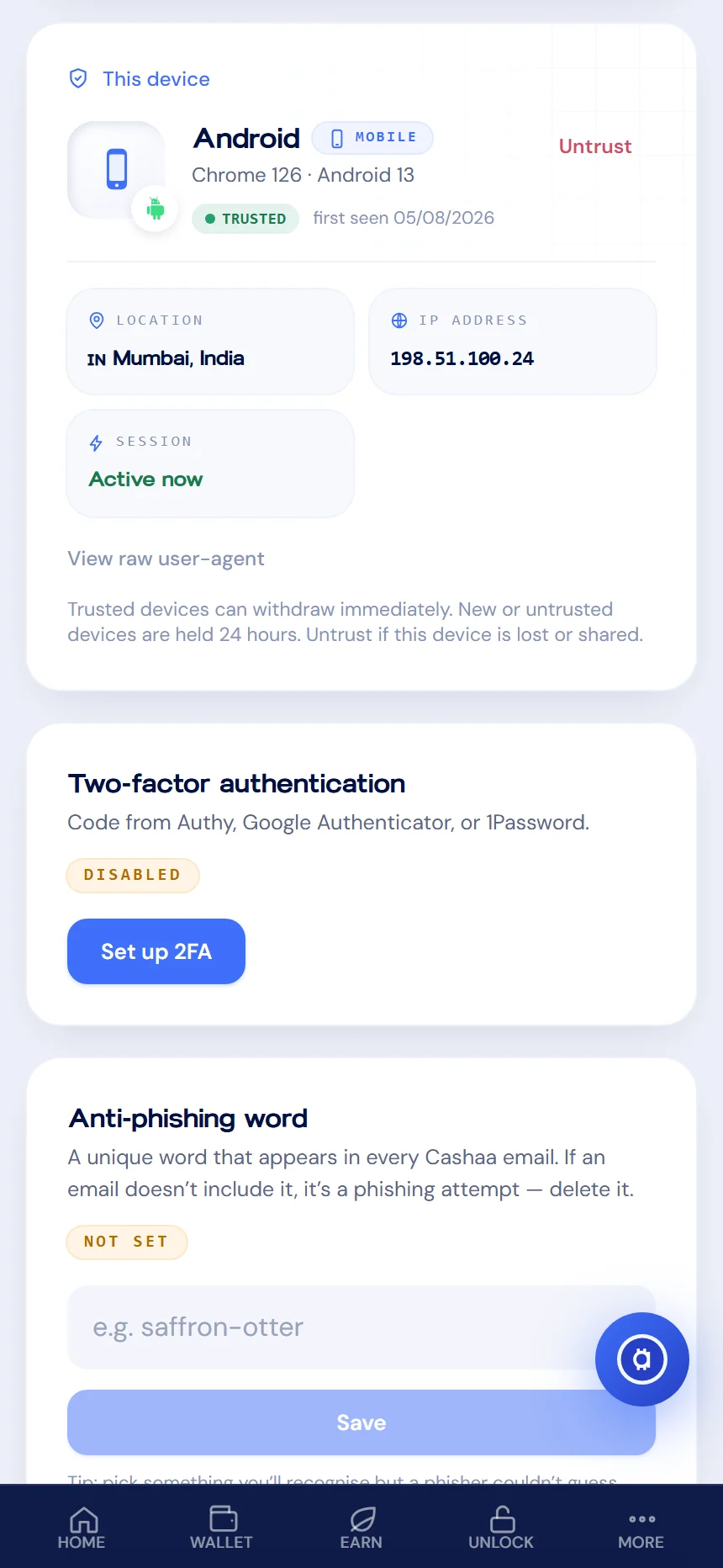
Enter the one-time code we email you, plus your authenticator code if two-factor authentication is on.
- 6
Step 6: Track it
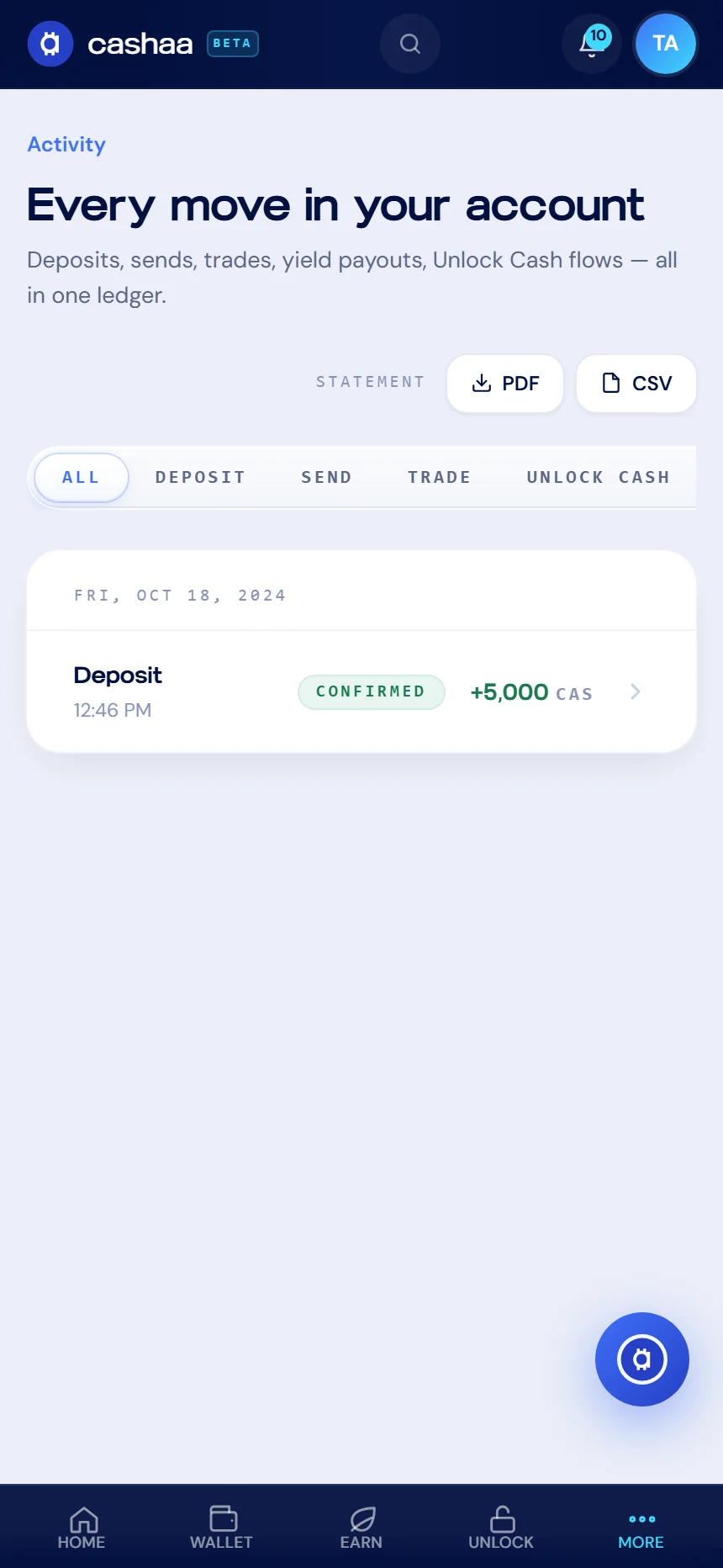
The withdrawal appears in Activity. New or untrusted devices, and addresses that are not on your whitelist, are held for 24 hours as a safety measure.
Was this helpful?
Quick feedback helps us improve.