
How to Save a Withdrawal Address
Saving an address to your whitelist means later withdrawals to it go through instantly, instead of waiting out the 24-hour hold applied to new destinations.
Two ways to use Cashaa — the same screens either way. Open the Android app from cashaa.com/app, or sign in with any browser at platform.cashaa.com. The steps below are identical on both. (The iPhone app is with Apple for review — until it lands, iPhone users can use the browser.)
- 1
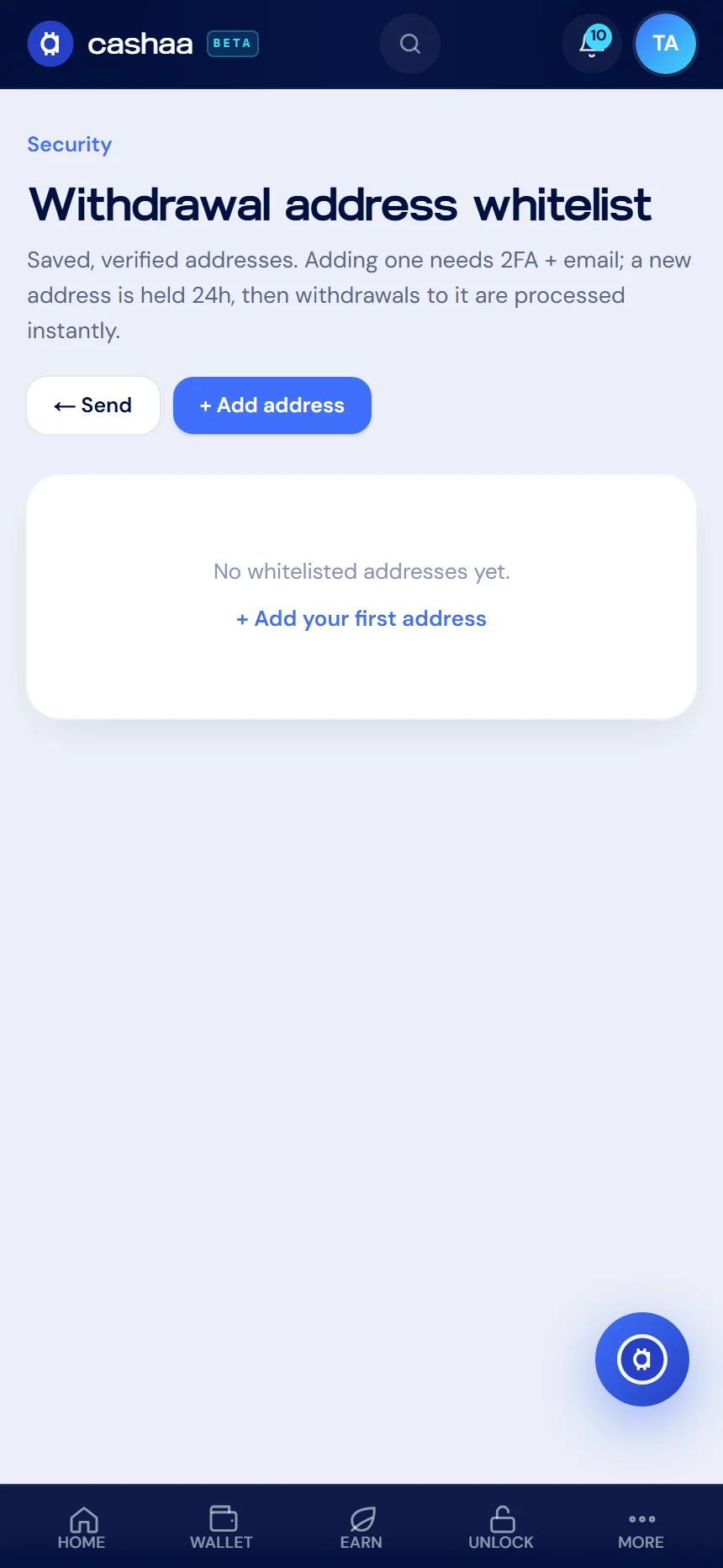
Step 1: Open the address whitelist
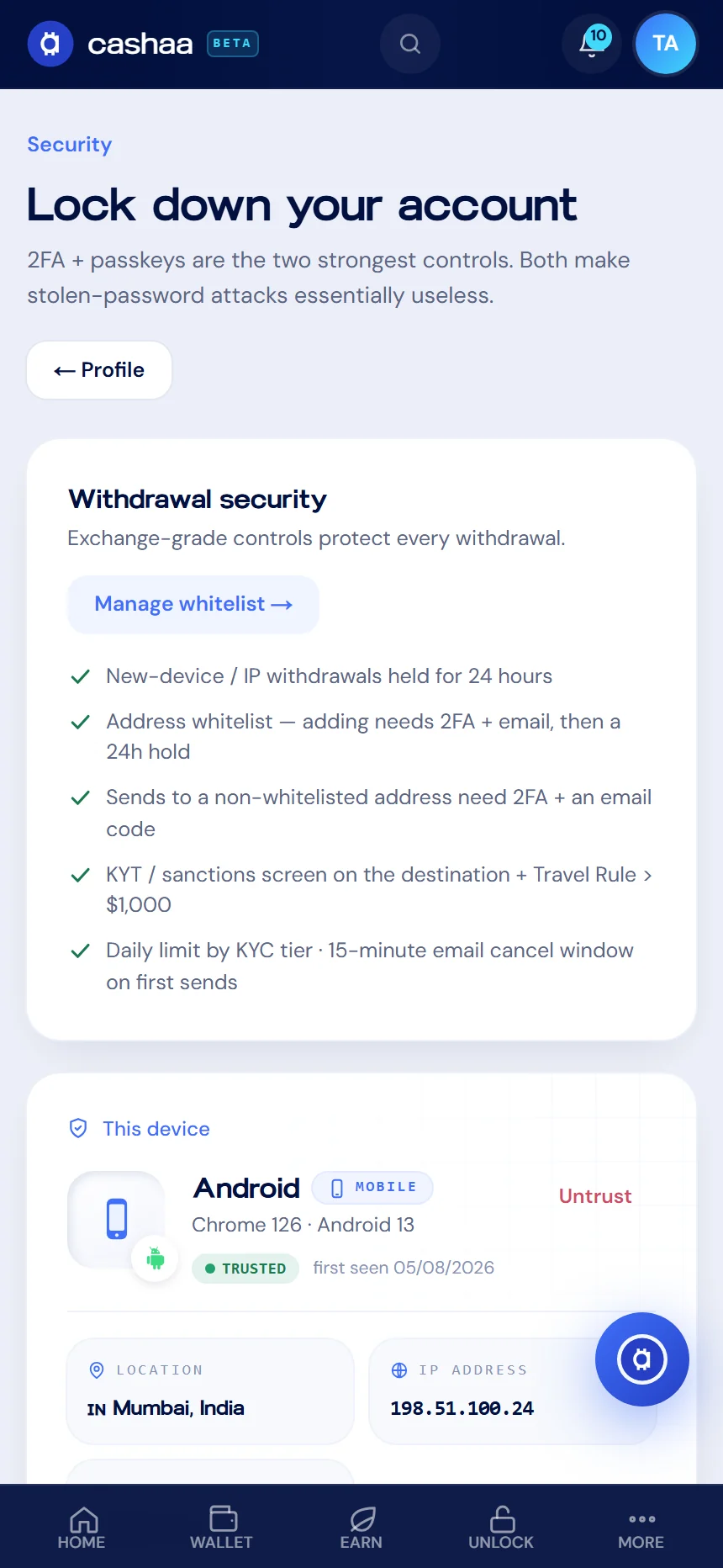
Go to Settings → Security and open Withdrawal address whitelist, or reach it from the Send screen.
- 2
Step 2: Add an address
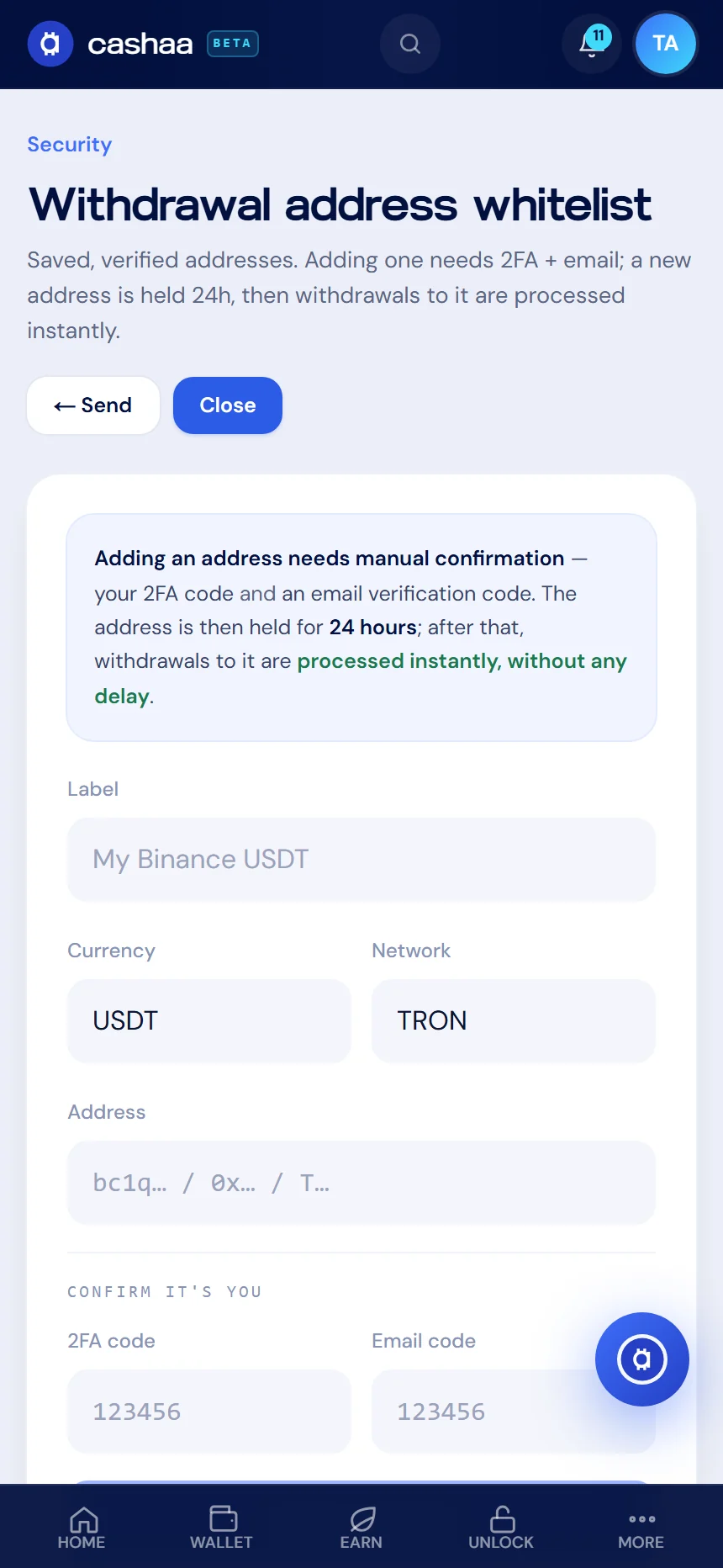
Choose Add address and give it a label you will recognise — for example "My Binance USDT".
- 3
Step 3: Enter the address and network
Select the currency and network, then paste the address. Copy and paste it — never type it by hand.
- 4
Step 4: Confirm it is you
Enter your authenticator code and the verification code we email you. Both are required to add an address.
- 5
Step 5: Wait out the 24-hour hold
A newly added address is held for 24 hours. After that, withdrawals to it are processed instantly. The hold exists so that someone who gets into your account cannot add their own address and drain it immediately.
Was this helpful?
Quick feedback helps us improve.