
A Quick Overview of the Cashaa Dashboard
This is a tour of the main screens, so you know where everything lives before you move any funds.
Two ways to use Cashaa — the same screens either way. Open the Android app from cashaa.com/app, or sign in with any browser at platform.cashaa.com. The steps below are identical on both. (The iPhone app is with Apple for review — until it lands, iPhone users can use the browser.)
- 1
Dashboard
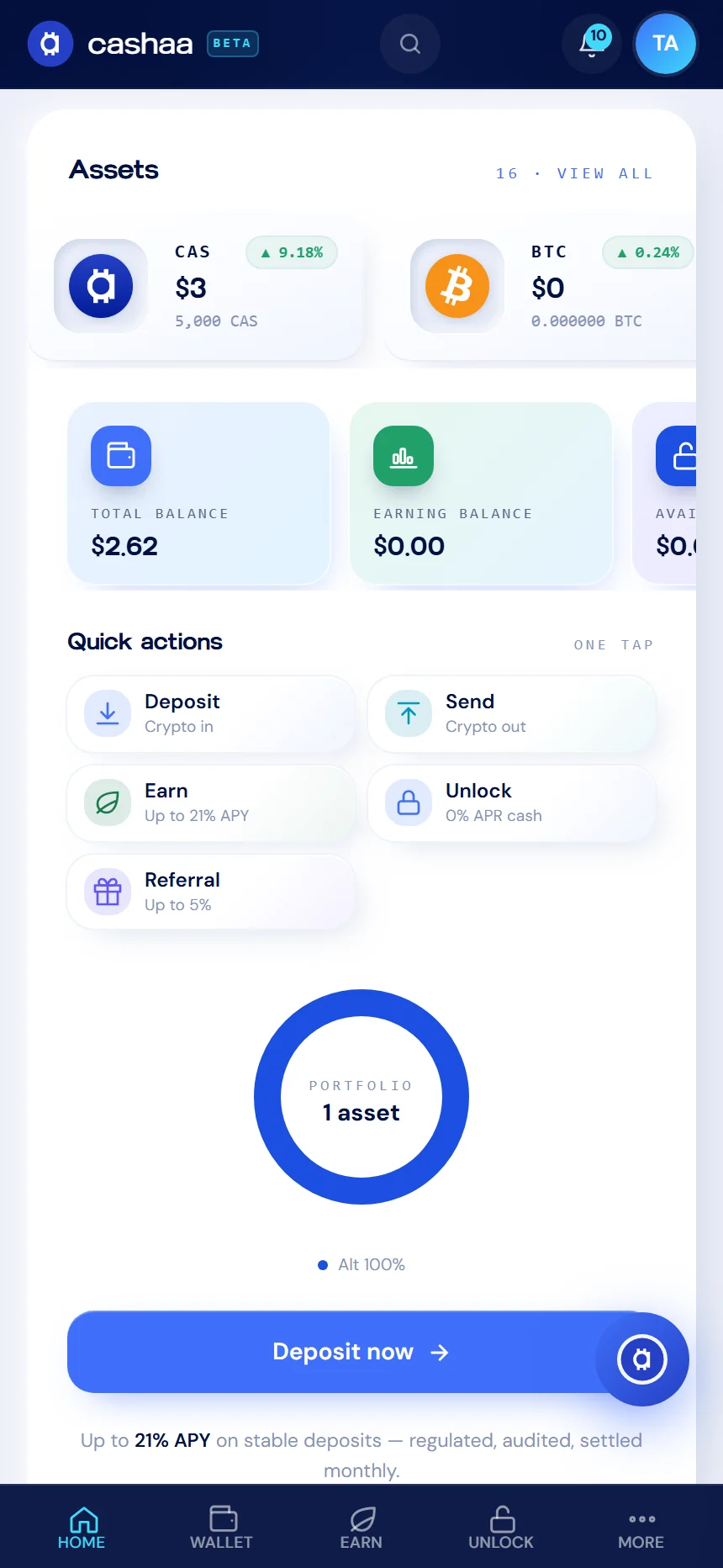
Your balance sits at the top, split into total, earning and available. Underneath are one-tap actions for Deposit, Send, Earn, Unlock Cash and Referral, and a breakdown of what you hold.
- 2
Wallet
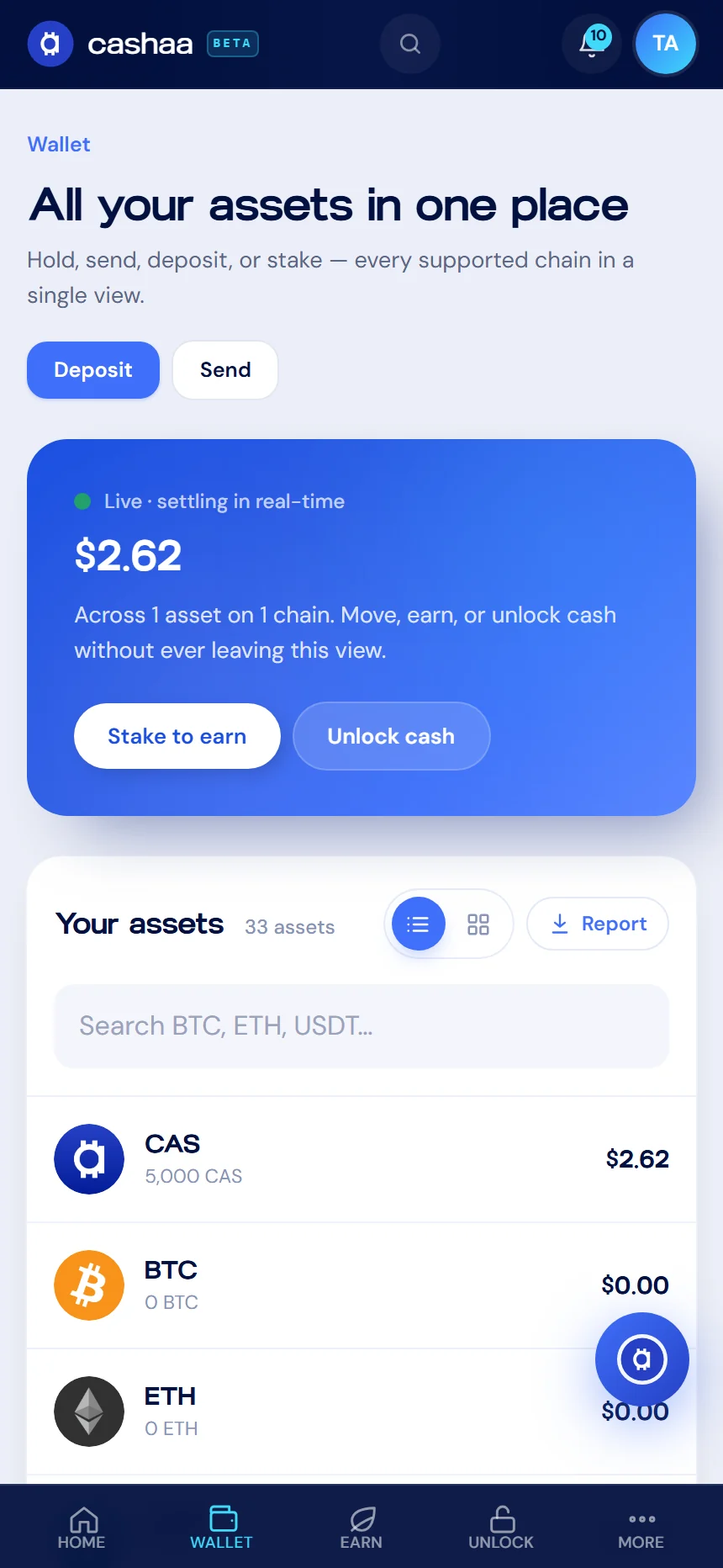
Every asset you hold, with its balance and the networks it supports. Open any asset to deposit it, send it, or put it to work in Earn.
- 3
Activity
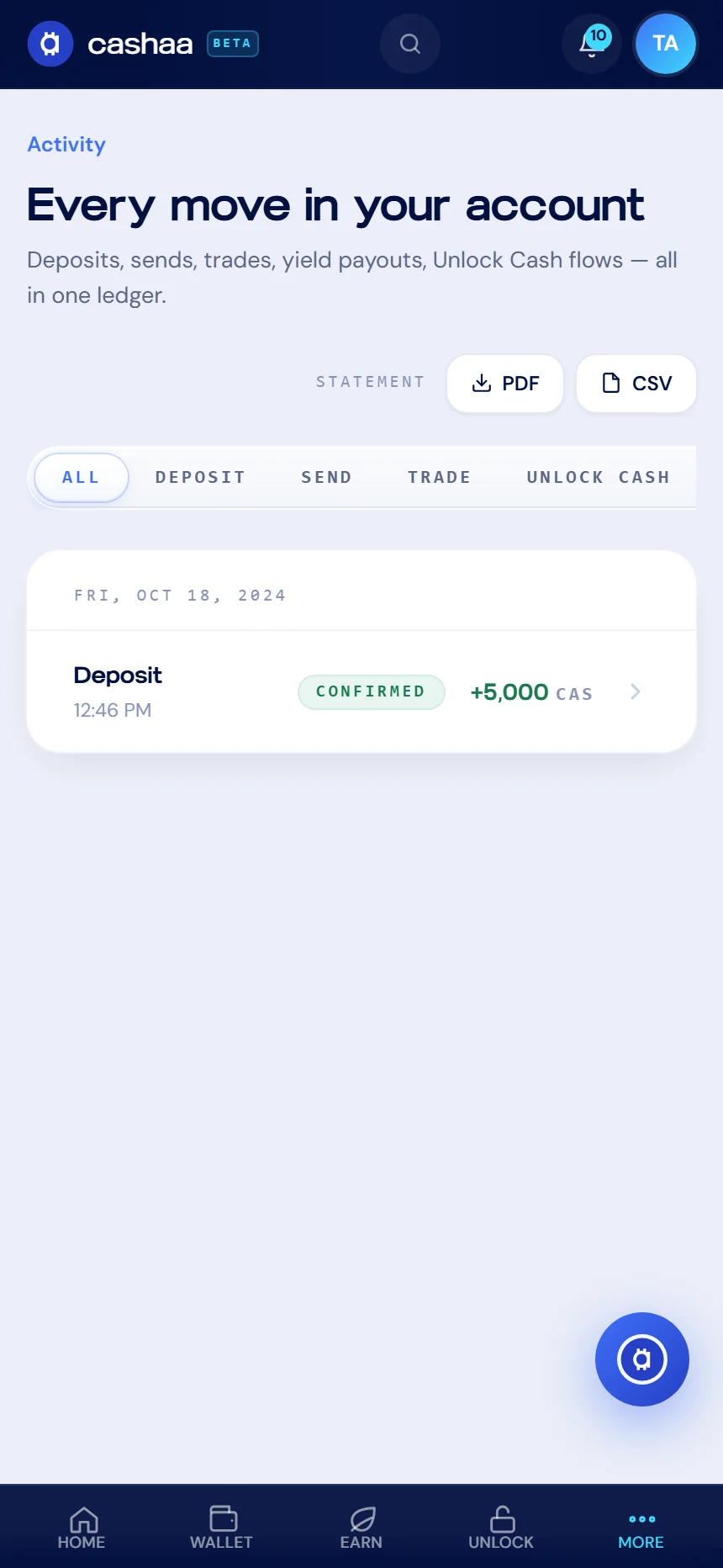
A single ledger of everything that has happened on your account — deposits, sends, yield payouts and Unlock Cash movements. Filter by type, or export a statement as PDF or CSV.
- 4
Settings
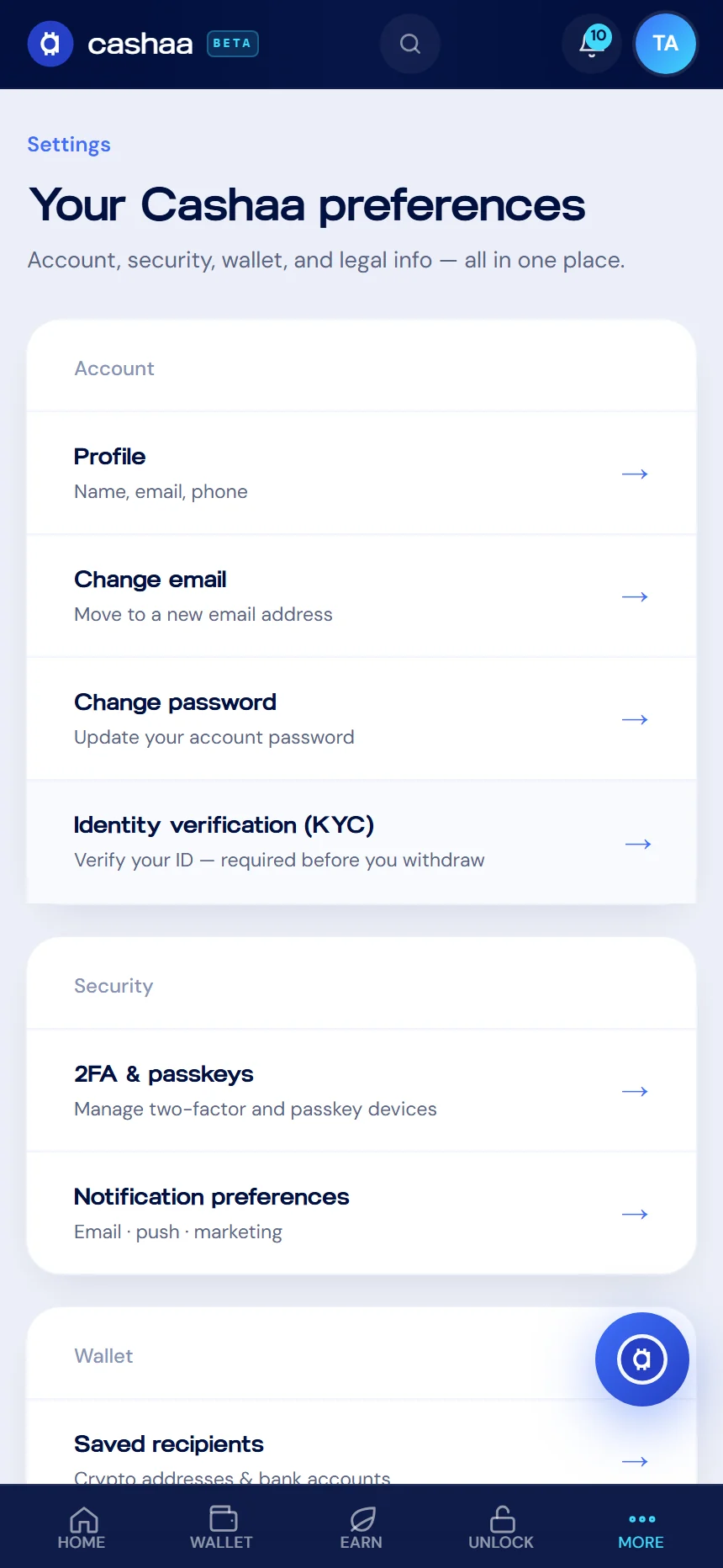
Profile, security, notification preferences and support all live here.
- 5
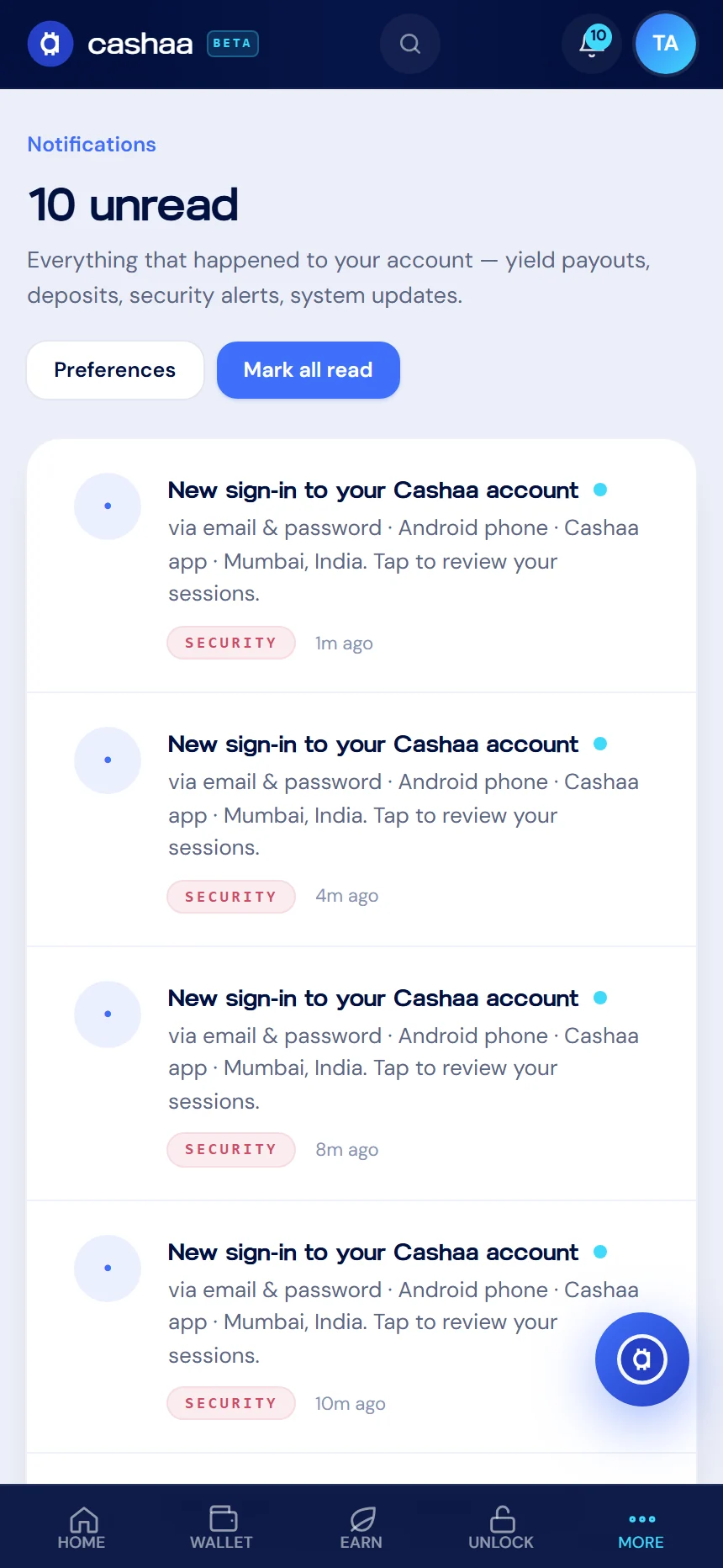
Notifications
Yield payouts, deposits, security alerts and system updates. Every new sign-in appears here with the device and location, so anything you do not recognise is easy to spot.
Was this helpful?
Quick feedback helps us improve.