
How to Complete KYC Verification on Cashaa
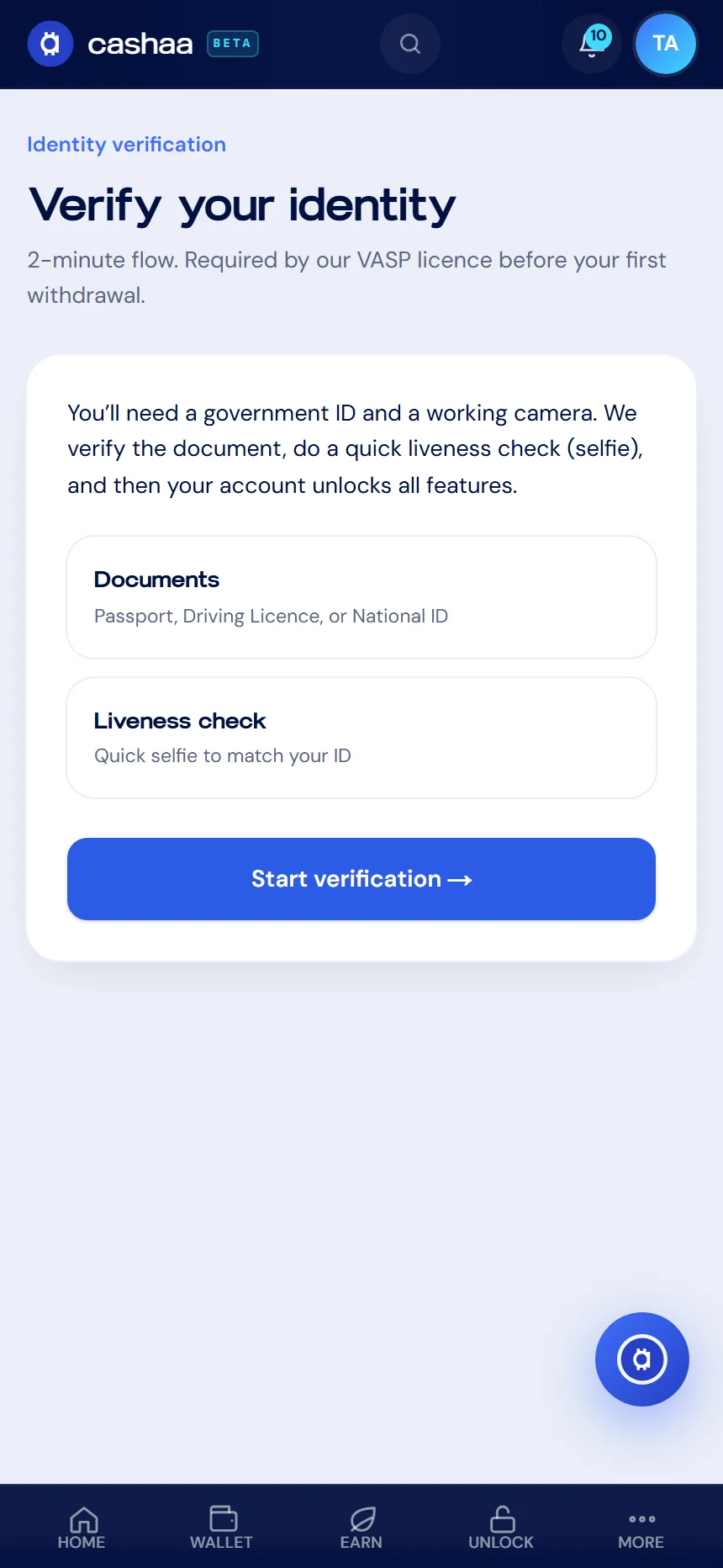
Identity verification is required by our licence before your first withdrawal. You can deposit, earn and explore the whole product before doing it. The check takes about two minutes and is handled by our verification partner.
Two ways to use Cashaa — the same screens either way. Open the Android app from cashaa.com/app, or sign in with any browser at platform.cashaa.com. The steps below are identical on both. (The iPhone app is with Apple for review — until it lands, iPhone users can use the browser.)
- 1
What you need first
A government-issued photo ID — passport, driving licence or national ID card — and a working camera on the device you are using.
- 2
Step 1: Open verification
Go to Settings and choose Identity verification, then Start verification.
- 3
Step 2: Choose country and document
Select the country that issued your document and which document you are using.
- 4
Step 3: Photograph your ID
Capture the document with the whole card or page in frame, in focus, with no glare and nothing covering it.
- 5
Step 4: Take a liveness selfie
Face the camera and follow the on-screen prompt. This confirms the document belongs to you.
- 6
Step 5: Wait for the result
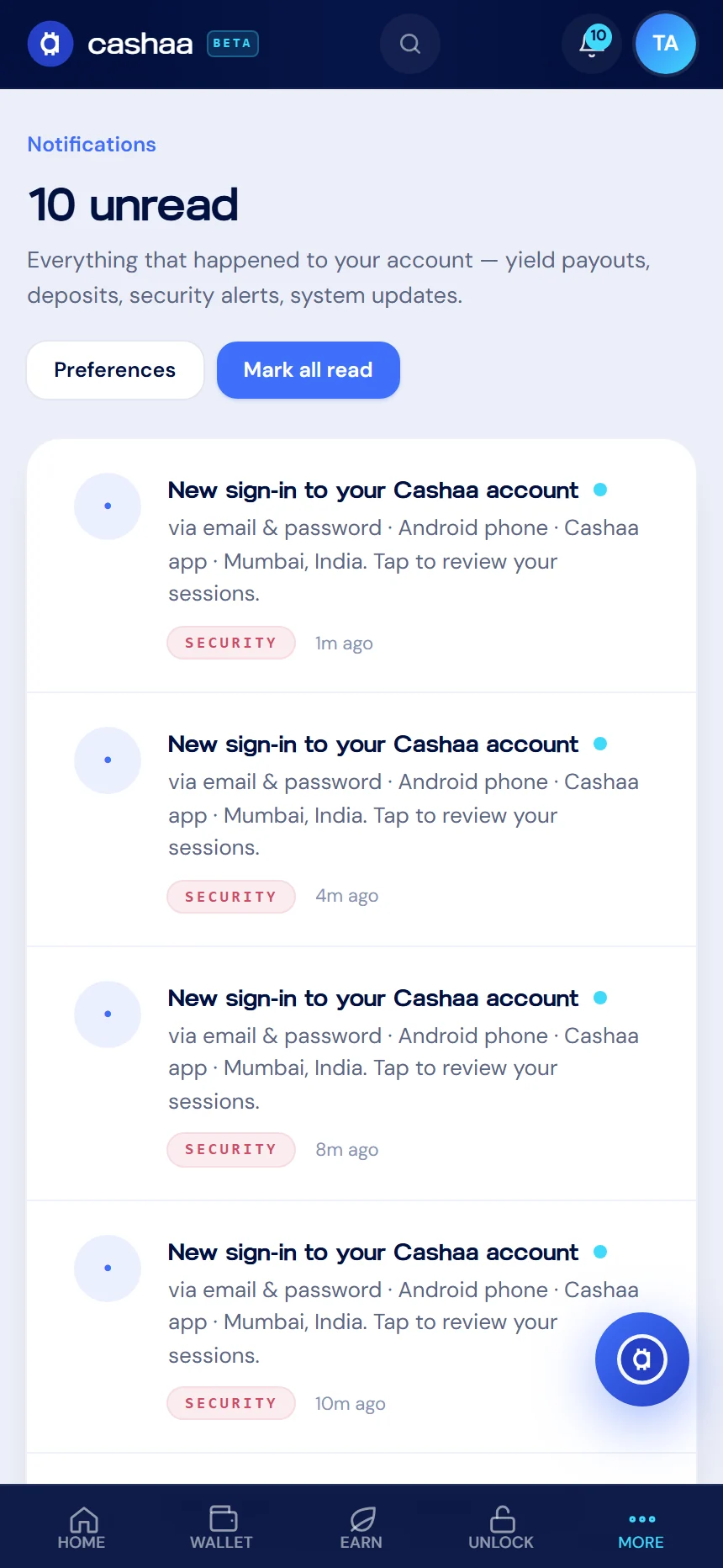
Checks usually complete within minutes. We notify you as soon as it is done, and your withdrawal limits open up once you are approved.
- 7
If it does not pass first time
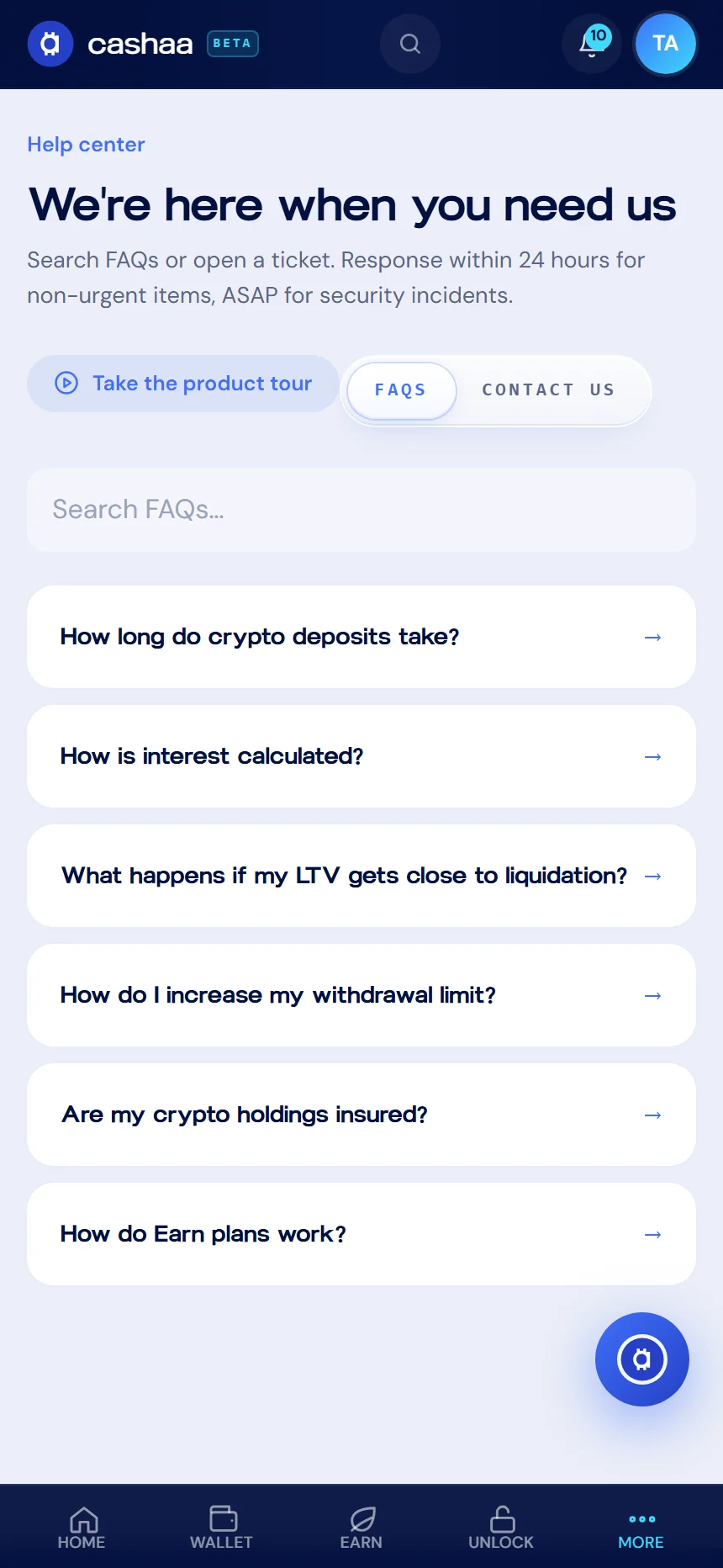
The most common reasons are glare, a blurred photo, or an expired document. You can retry with a clearer capture, or raise a ticket from the Help centre and our team will look at it.
Was this helpful?
Quick feedback helps us improve.