
How to Join the Cashaa Referral Programme
Share your link, and you earn a share of what the people you invite go on to earn — up to 5%. There is nothing to apply for; every account has a code.
Two ways to use Cashaa — the same screens either way. Open the Android app from cashaa.com/app, or sign in with any browser at platform.cashaa.com. The steps below are identical on both. (The iPhone app is with Apple for review — until it lands, iPhone users can use the browser.)
- 1
Step 1: Open Referral
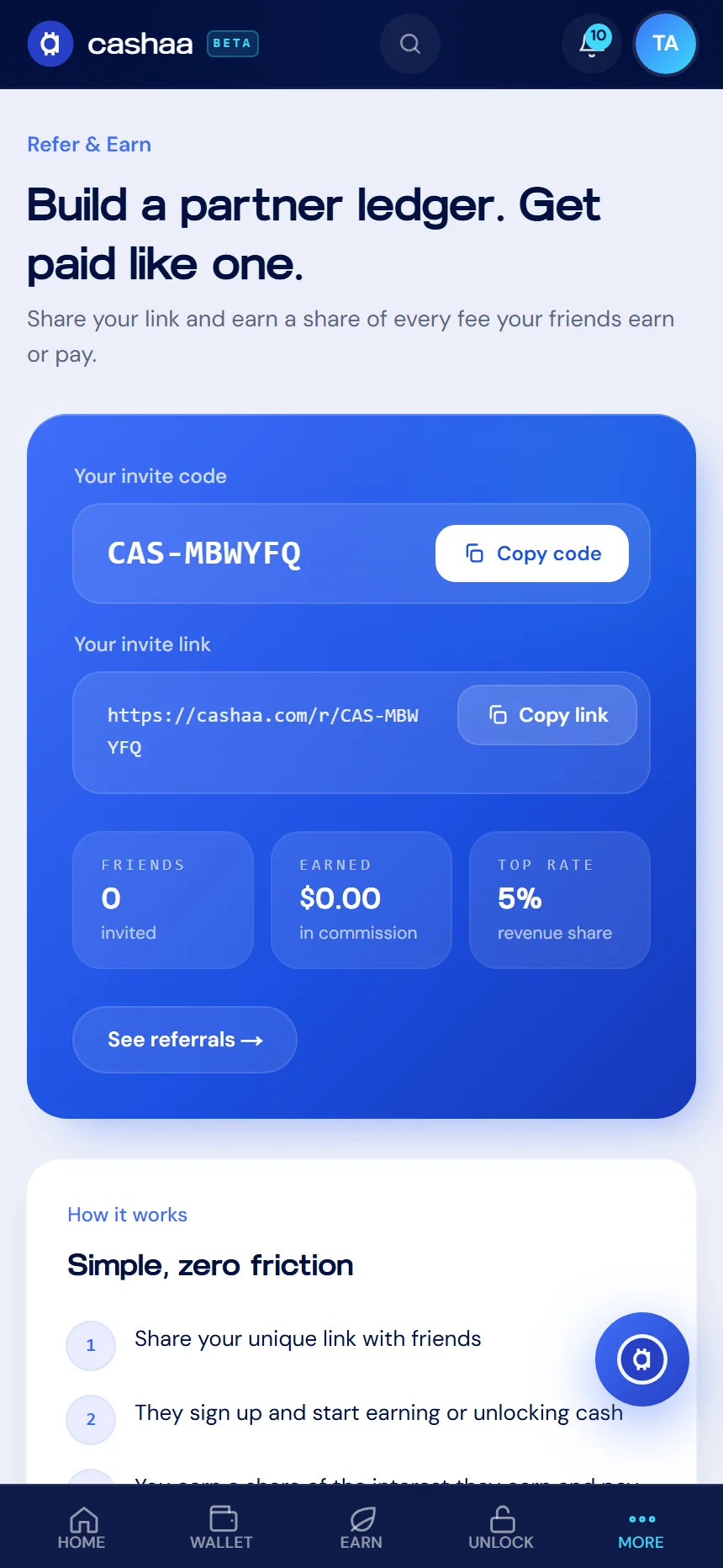
From the dashboard, choose Referral. Your invite code and link are at the top of the screen.
- 2
Step 2: Share your link
Copy the link or the code and send it on. Anyone who signs up with it is tied to you from the start — the code cannot be added to an account afterwards.
- 3
Step 3: Watch it build
The same screen shows how many friends have joined, what you have earned, and your current rate.
Was this helpful?
Quick feedback helps us improve.